Still Using SSMS Alone? You Might Be Missing Half the Picture.
SQL Server Management Studio is like an old friend. Reliable. Familiar. Ask it to automate a deployment, format a thousand lines of legacy code, or visualize a complex join, though, and it turns into the friend who disappears on moving day.
The uncomfortable truth: if you are still juggling scripts manually, writing deployment plans in Notepad, or running queries blind without performance stats, you are not just behind. You are wasting hours every week.
The good news is that you do not need to keep doing that. The SQL Server IDE landscape looked very different even a year ago. Azure Data Studio, a fixture on lists like this since 2018, was officially retired by Microsoft on February 28, 2026. Pricing shifted across nearly every commercial tool. AI assistants moved from “nice to have” into the core product for several vendors.
This update walks through the seven tools worth your time in 2026, whatever your role: developer, DBA, engineering manager, or analyst.
Quick Comparison: SQL Server Tools at a Glance
| Logo | Tool | Best for | Platforms | Pricing | Free option |
|---|---|---|---|---|---|
 |
dbForge Studio for SQL Server | End to end development, DBA work, and DevOps automation in one IDE | Windows (macOS, Linux via CrossOver or Wine) | Standard $229.95/yr, Professional $349.95/yr, Enterprise $479.95/yr; perpetual licenses also available | Free Express edition, plus a 30 day trial of paid editions |
 |
VS Code with the MSSQL extension | Lightweight, cross platform querying, replacing Azure Data Studio | Windows, macOS, Linux | Free | Free |
 |
Redgate SQL Toolbelt | Enterprise schema and data comparison plus deployment pipelines | Windows (SSMS plugin) | SQL Toolbelt Essentials from about $1,495/user/yr; full Toolbelt from about $3,665 | 14 day trial |
 |
DBeaver | Managing SQL Server alongside many other database engines in one client | Windows, macOS, Linux | Community free; Lite $113/user/yr; Enterprise and Ultimate up to $510/user/yr | Free Community edition |
 |
Navicat for SQL Server | Visual, GUI first database design and administration | Windows, macOS (Linux via Wine) | Navicat Premium (multi database) from about $1,599 one time; the SQL Server only edition costs less | Free trial |
 |
DataGrip | Polyglot developers already living inside JetBrains IDEs | Windows, macOS, Linux | About $109/yr individual, about $259/user/yr for organizations, free for non commercial use | 30 day trial, free non commercial license |
 |
Toad for SQL Server | DBAs who want a familiar GUI plus a built in AI assistant | Windows | Contact Quest for pricing | Free trial |
Now let’s look at each one in detail.
1. dbForge Studio for SQL Server: The All in One IDE That Feels Like a Superpower

Imagine SSMS got a glow up, hired an automation assistant, and learned to write clean code in your house style. That is dbForge Studio for SQL Server. Refreshed in August 2026, it combines deep SQL functionality with a modern interface and integrations built for entire teams, not just individual developers.
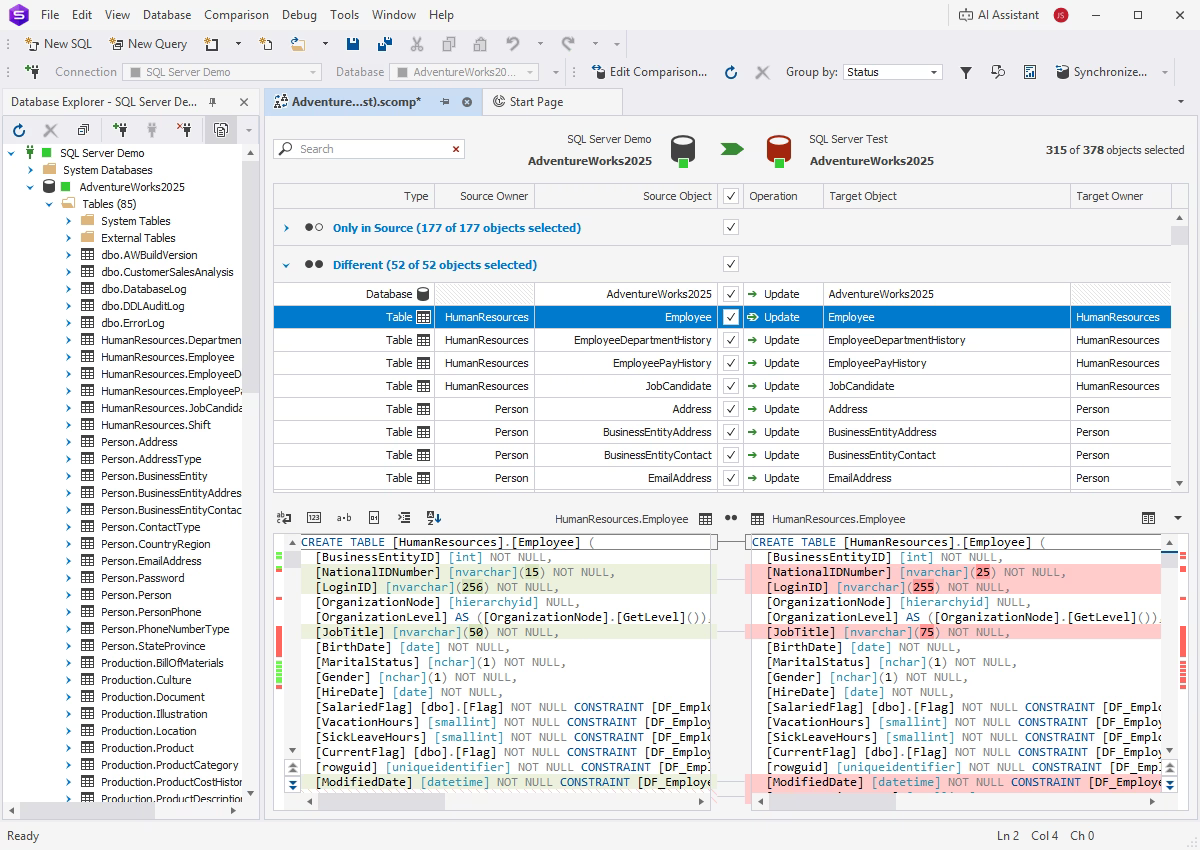
Whether you are developing, analyzing, or managing databases, this one tool covers:
- Smart SQL coding: completion, snippets, formatting profiles, automatic bracket handling for identifiers, and camelCase formatting
- Schema and data comparison and synchronization
- Visual query building, so you stop triple checking JOINs by eye
- Performance analysis and profiling
- Built in source control and DevOps automation
- An AI Assistant with a web search mode that can query Devart’s documentation, site, and blog directly from the chat panel
- Pinned document tabs and a searchable database diagram
- Full compatibility with the latest SQL Server Management Studio
Every week spent stuck in a clunky workflow costs real hours. Get the schema comparison and AI Assistant running in your own environment with the 30 day free trial.
And if your stack covers more than only SQL Server, you can also try dbForge Edge. It supports many databases (including PostgreSQL, Oracle, MySQL, MariaDB, and a wide range of related cloud services), so if you manage mixed environments, dbForge Edge is a solid database IDE option.
2. VS Code with the MSSQL Extension: The Official Replacement for Azure Data Studio
This entry changed the most since the original list went up. Microsoft announced Azure Data Studio’s retirement on February 6, 2025, and the tool stopped receiving updates and security fixes on February 28, 2026. Existing installs still open, but running production work on an unpatched tool is a bad idea, since newly discovered vulnerabilities will not be fixed.
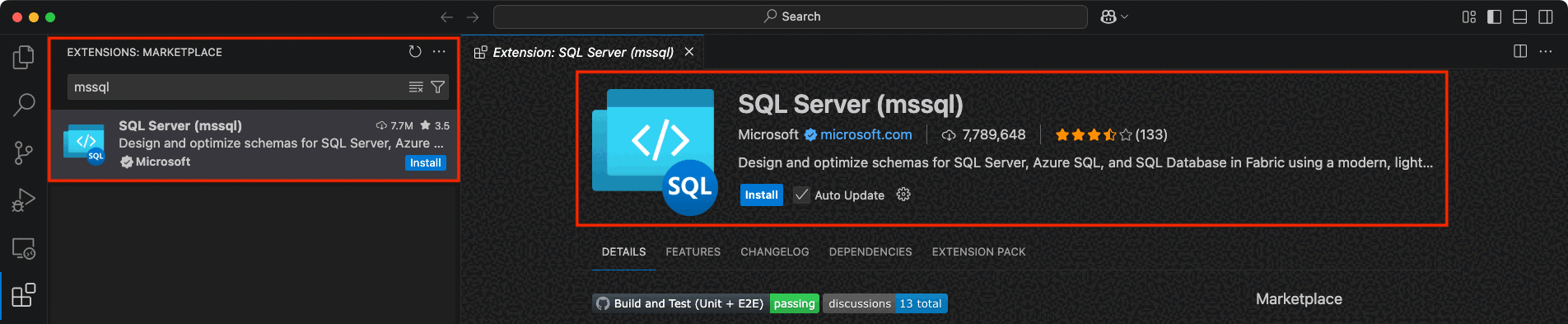
The replacement is Visual Studio Code with the MSSQL extension, and the migration is close to painless: existing queries, scripts, and database projects work without conversion. Through 2026 the extension picked up features that go beyond what Azure Data Studio ever offered:
- T-SQL IntelliSense, linting, code navigation, and snippets
- Schema Designer with GitHub Copilot, which reached general availability in 2026
- Data API builder and SQL Notebooks
- Azure SQL Database provisioning from inside the editor, including a free tier
- An enhanced results grid and configurable command shortcuts
- Support for SQL Server on premises, in any cloud, Azure SQL Database, and Azure SQL Data Warehouse
3. Redgate SQL Toolbelt: The Enterprise Grade Tool Suite
Redgate’s bundle is aimed at larger organizations with complex database estates, and more than 200,000 companies, including 92% of the Fortune 100, run on it according to Redgate.
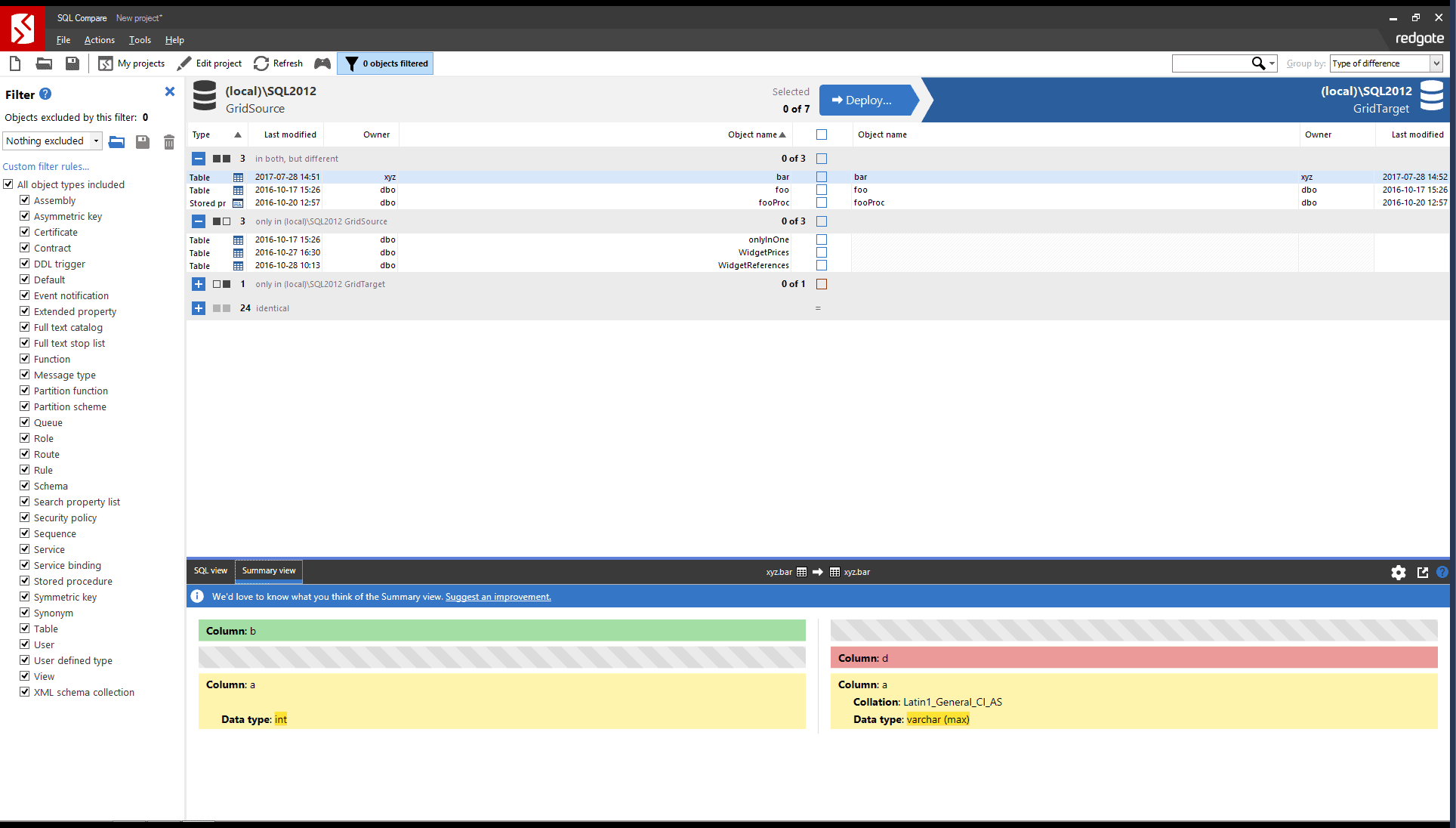
In 2026 the lineup splits into two tiers:
- SQL Toolbelt Essentials bundles SQL Compare, SQL Data Compare, SQL Prompt, SQL Source Control, and SQL Search for around $1,495 per user per year.
- The full SQL Toolbelt adds SQL Monitor, SQL Backup Pro, SQL Multi Script Unlimited, and several more utilities across 13 tools total, starting at roughly $3,665.
Together they cover:
- Schema and data comparison with generated deployment scripts
- Code formatting and completion inside SSMS through SQL Prompt
- Git backed source control for database schemas
- Monitoring, alerting, backup, and compliance tooling in the full bundle
- CI/CD integration for deployment pipelines
It comes at a premium price point, but for teams that already standardize on SSMS plugins, the extensive feature set can justify the cost.
4. DBeaver: The Multi Database IDE

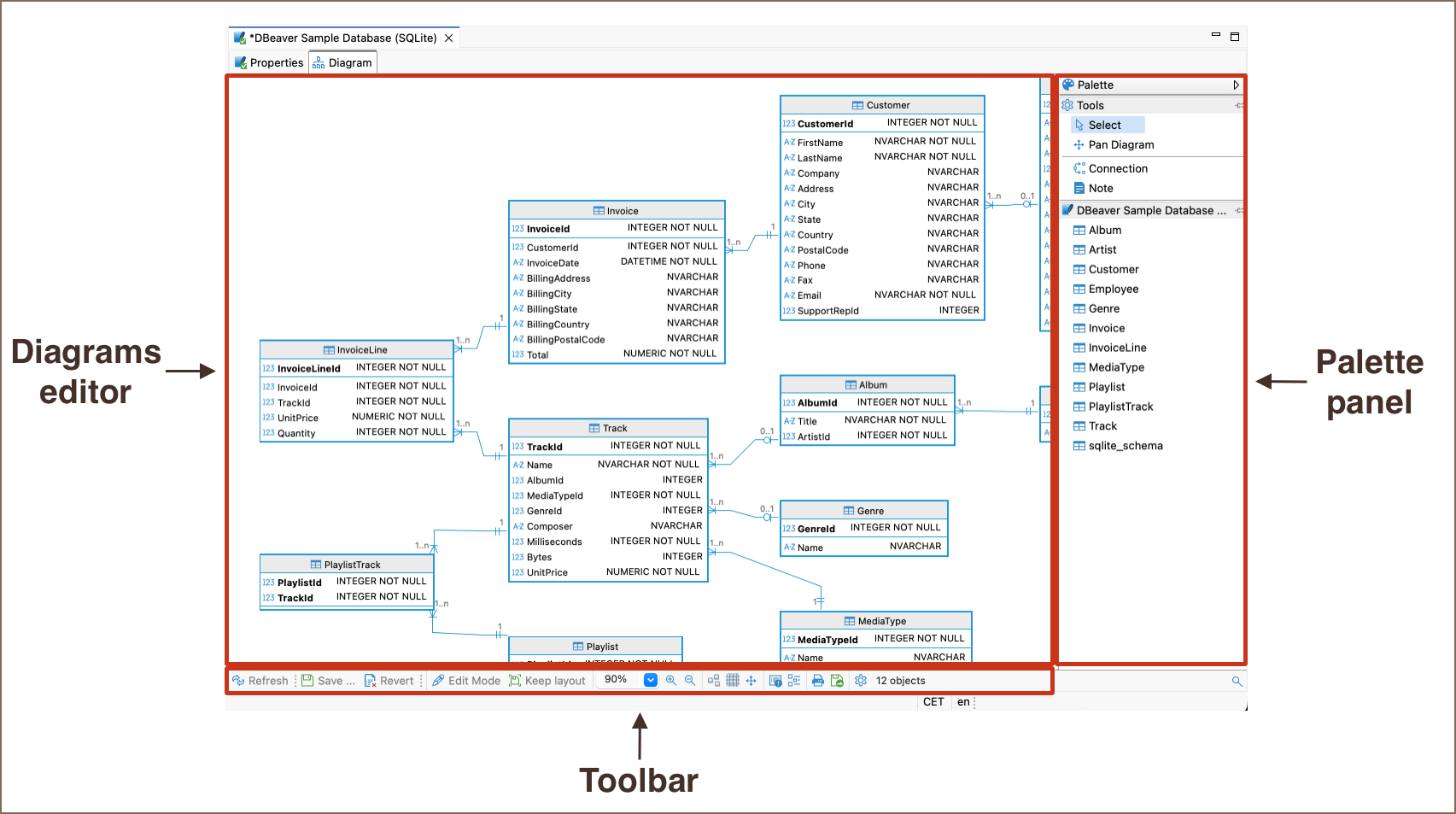
DBeaver’s free Community edition already covers SQL Server plus more than 100 other engines through JDBC, with an SQL editor, a data editor with filtering, ER diagrams, and SSH tunneling built in.
The paid tiers extend that:
- Lite ($113/user/year) adds NoSQL support, a visual query builder, AI features, and SSO.
- Enterprise adds administration dashboards, task scheduling, and a broader driver set for teams managing databases at scale.
- Ultimate builds on Enterprise with cloud database management and Kafka streaming support, and is licensed for individual use.
It is a practical option for anyone who needs to work across SQL Server and several other database platforms without switching tools.
5. Navicat for SQL Server: User Friendly GUI With Advanced Features
Navicat for SQL Server takes a graphical first approach to database management.
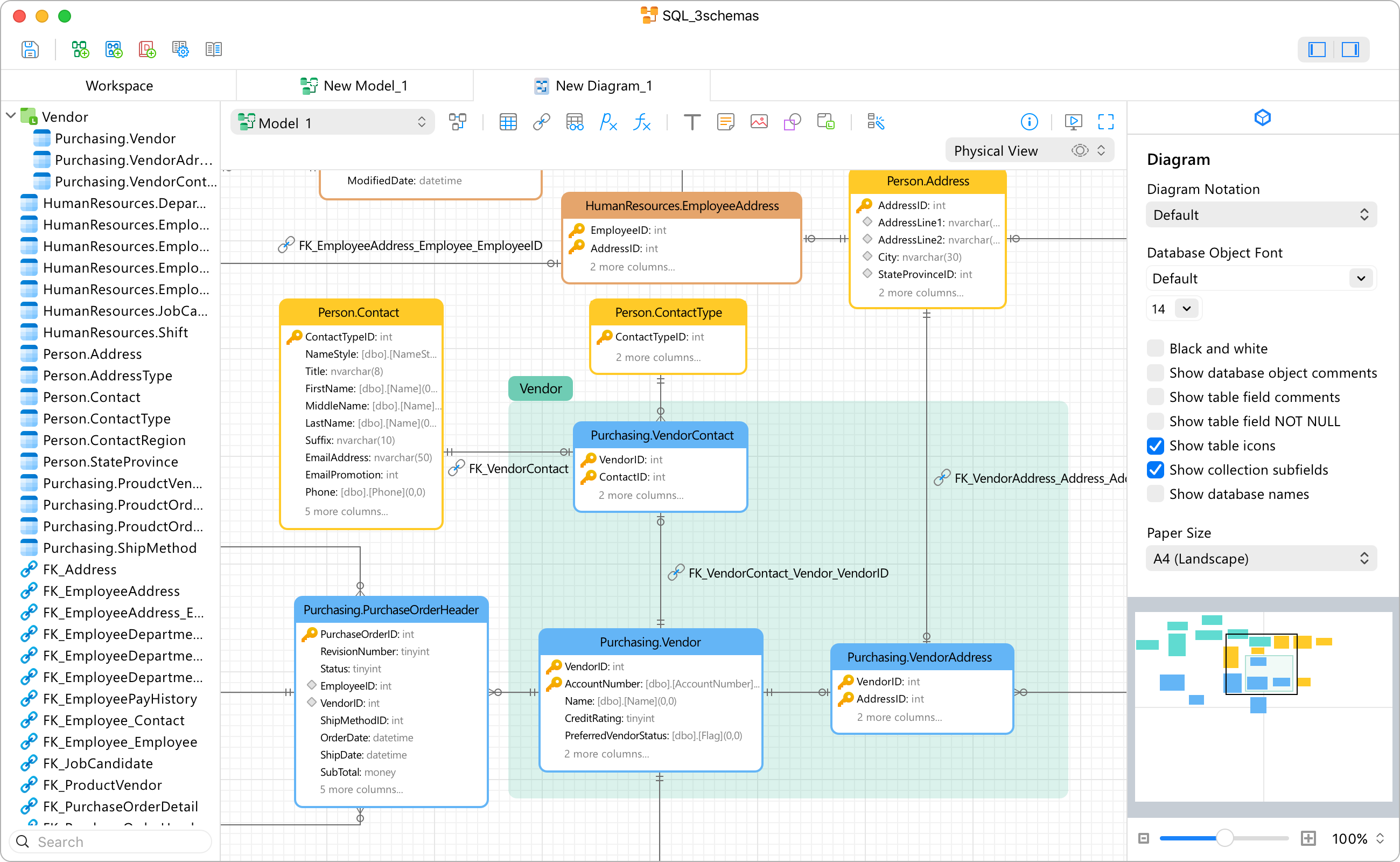
The latest builds, updated as of April 2026, add cloud sync for connections, queries, snippets, and model workspaces on top of the existing feature set:
- Visual query builder and data modeling tools
- Data and structure synchronization
- Backup, restore, and scheduled batch jobs for imports, exports, and transfers
- SQL Preview, SSH tunneling, and a built in hex and BLOB viewer
Its intuitive interface makes it approachable for beginners while still giving experienced admins the depth they need. The tradeoffs: there is no native Linux build, so Linux users run it through Wine, and it cannot connect to DB2 on AS/400.
6. DataGrip: JetBrains’ Versatile Database IDE

DataGrip is JetBrains’ dedicated database IDE, and it shares the same completion engine and interface conventions as IntelliJ based tools. In 2026, commercial pricing runs about $109 per year for individuals and about $259 per user per year for organizations, with a 30 day trial and a free license for non commercial use.
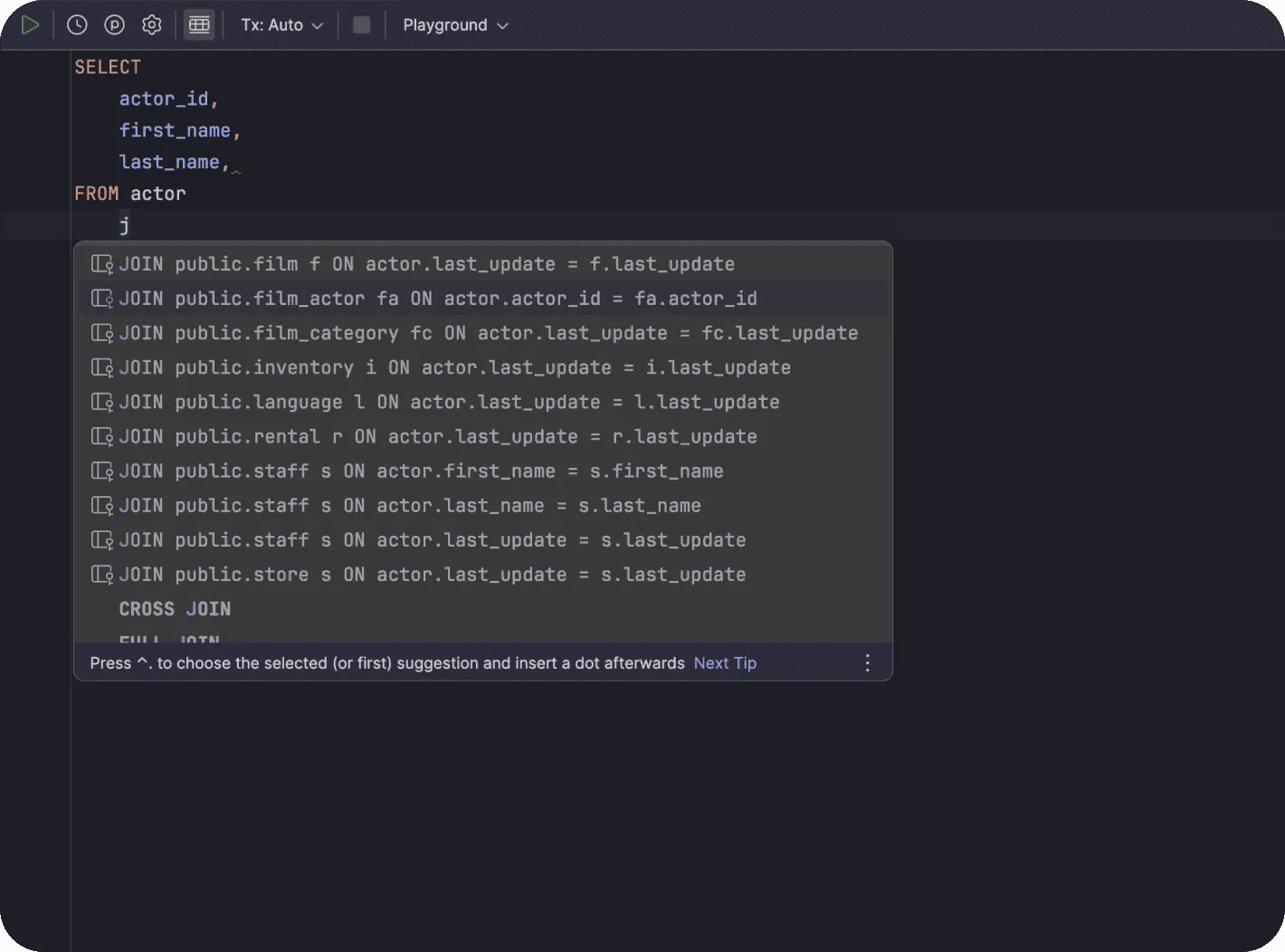
Highlights:
- Context aware code completion and real time error detection
- Connections to SQL Server and dozens of other databases from one interface
- Built in Git integration
- A DDL preview when you hover over a table name
- A customizable interface tuned to individual workflows
Its adaptability makes it a strong choice for teams already working across multiple database systems.
7. Toad for SQL Server: A GUI Alternative With a New AI Assistant
Toad remains a long standing name in database tooling, and Quest continues to actively update the SQL Server edition through 2026. The headline addition is Toad Chat, an AI assistant now built directly into Toad for SQL Server, Toad Data Point, and Toad Data Studio.
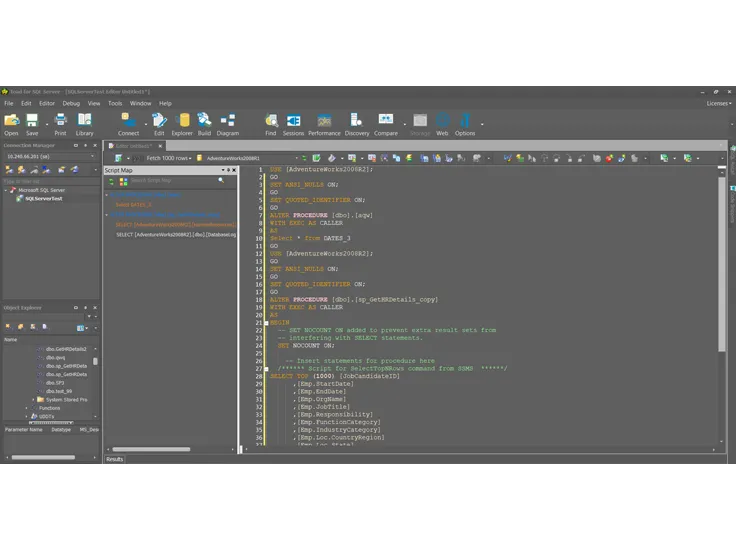
Core capabilities:
- Query editor with syntax checking and formatting
- Toad Chat for AI assisted query help
- Code snippets and basic task automation
- Data compare and import/export tools
It is a solid fit for teams already standardized on Toad or migrating over from Toad for Oracle, though it has not evolved its core UI as quickly as some newer competitors.
Takeaways
You would not write Python in Notepad or debug an app without breakpoints, so do not run SQL Server without a proper IDE either. The two biggest shifts for 2026: Azure Data Studio is gone, so if that was your daily driver, move to VS Code with the MSSQL extension now rather than after a security incident. And AI assistants are no longer a bonus feature; dbForge Studio, the MSSQL extension, and Toad for SQL Server all shipped one this year.
If you want one tool that covers development, data work, and delivery, with a modern interface and automation that does not require scripting every corner by hand, dbForge Studio for SQL Server remains the answer. Try the schema comparison, the AI Assistant, and the DevOps automation yourself with the 30 day free trial.
Most current frustrations with SQL Server tooling are not a skills problem. They are a sign the tool stopped evolving years ago. Start with a 30 minute test session on whichever tool from this list fits your role, and you will likely not go back to doing it the old way.
Originally published on dev.to May 27, 2025. Updated September 2026 with current features, pricing, and product status.